-
Get Started
-
Endpoints
Authentication
Bump 50:50 uses API tokens to allow access to the API. Learn how to generate an API token in the Generating a Personal Access Token section below
API Token
Bump 50:50 expects for the API token to be included in all API requests to the server in a header that looks like the following:
Authorization: Bearer {YOUR_TOKEN_HERE}
Generating a Personal Access Token
You can create a personal access token and use it when performing requests over HTTPS to all endpoints of the API.
- Log into our API portal with the username and password provided to you.
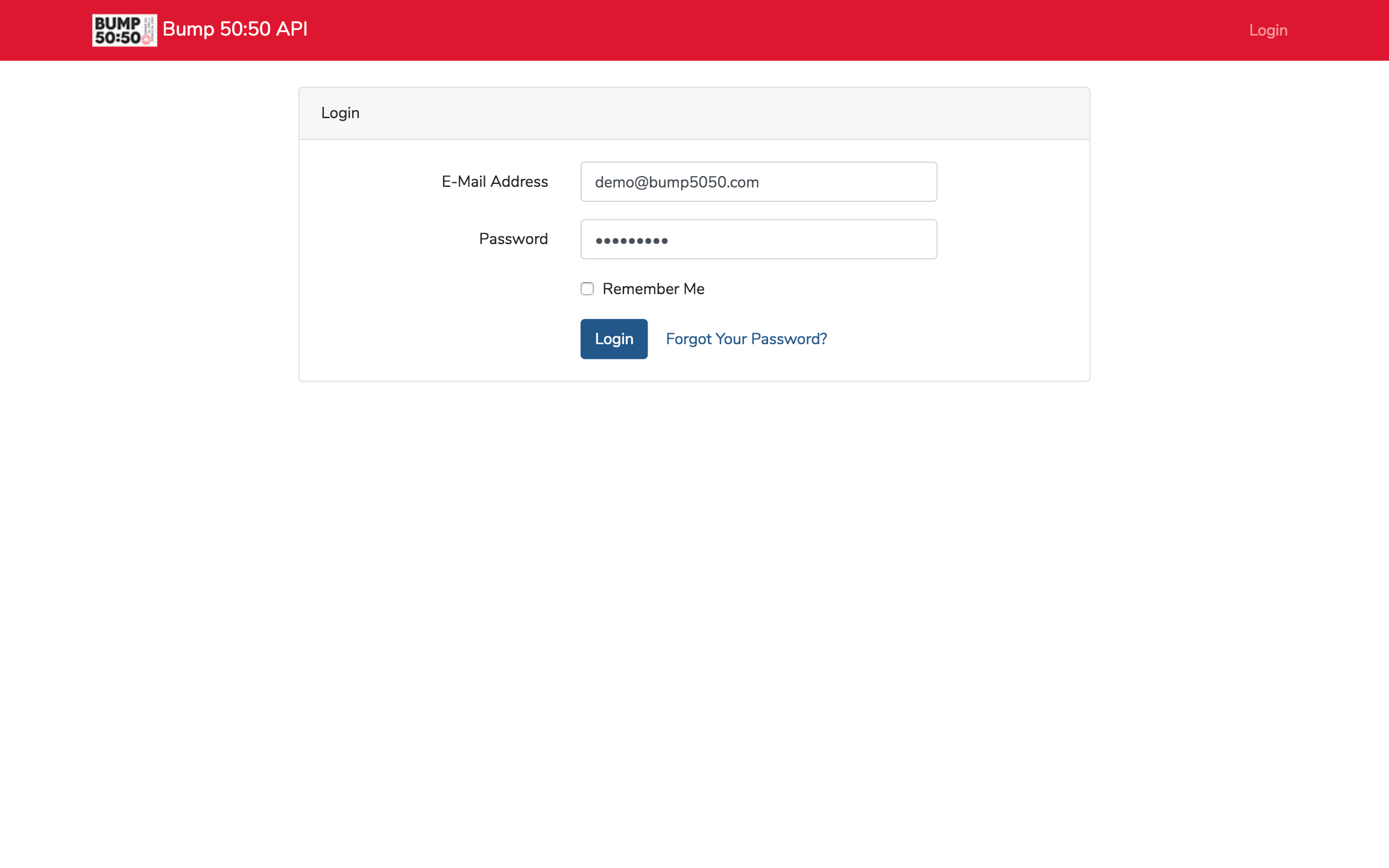
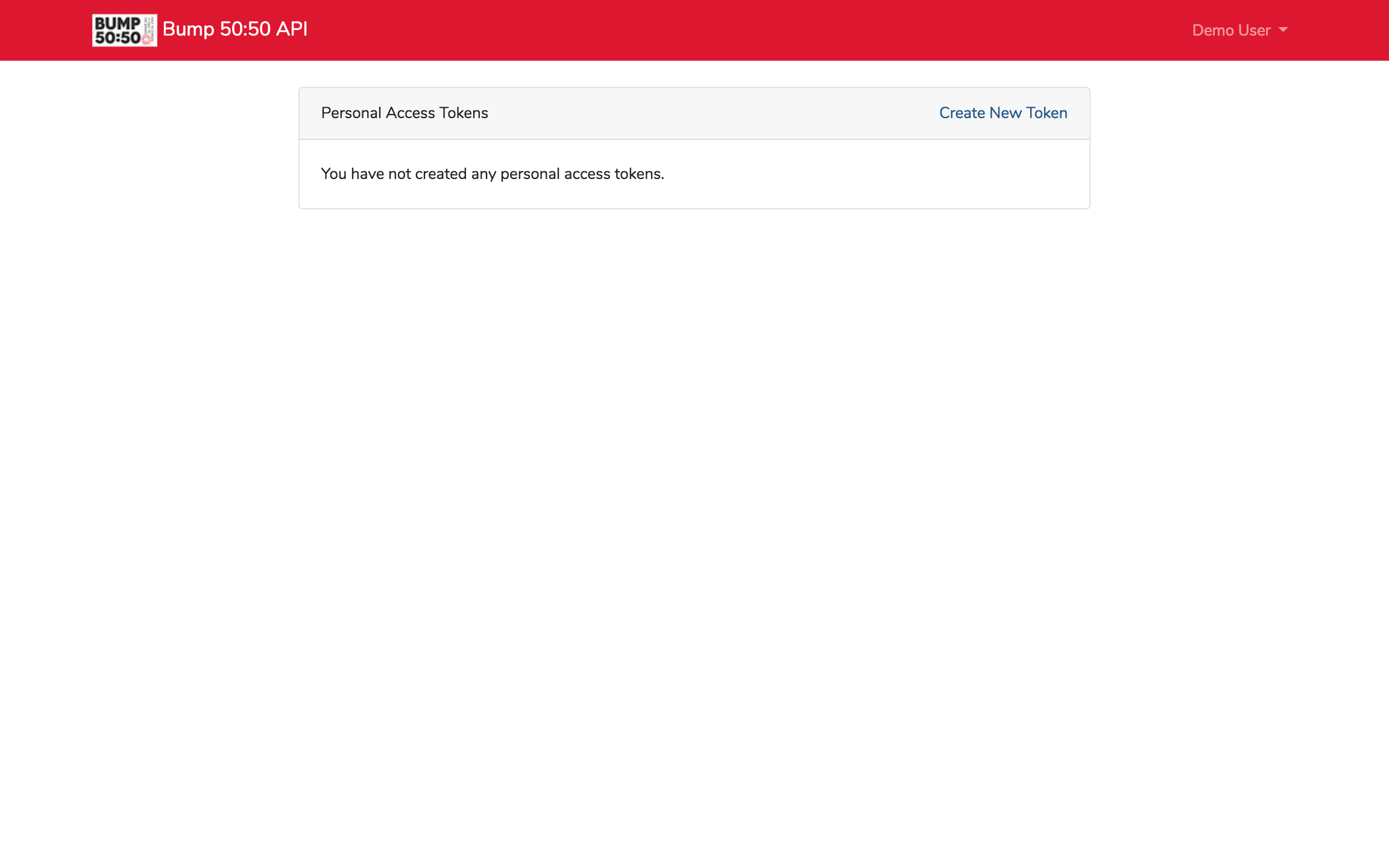
- Press the Create New Token link at the top right of the Personal Access Tokens card.
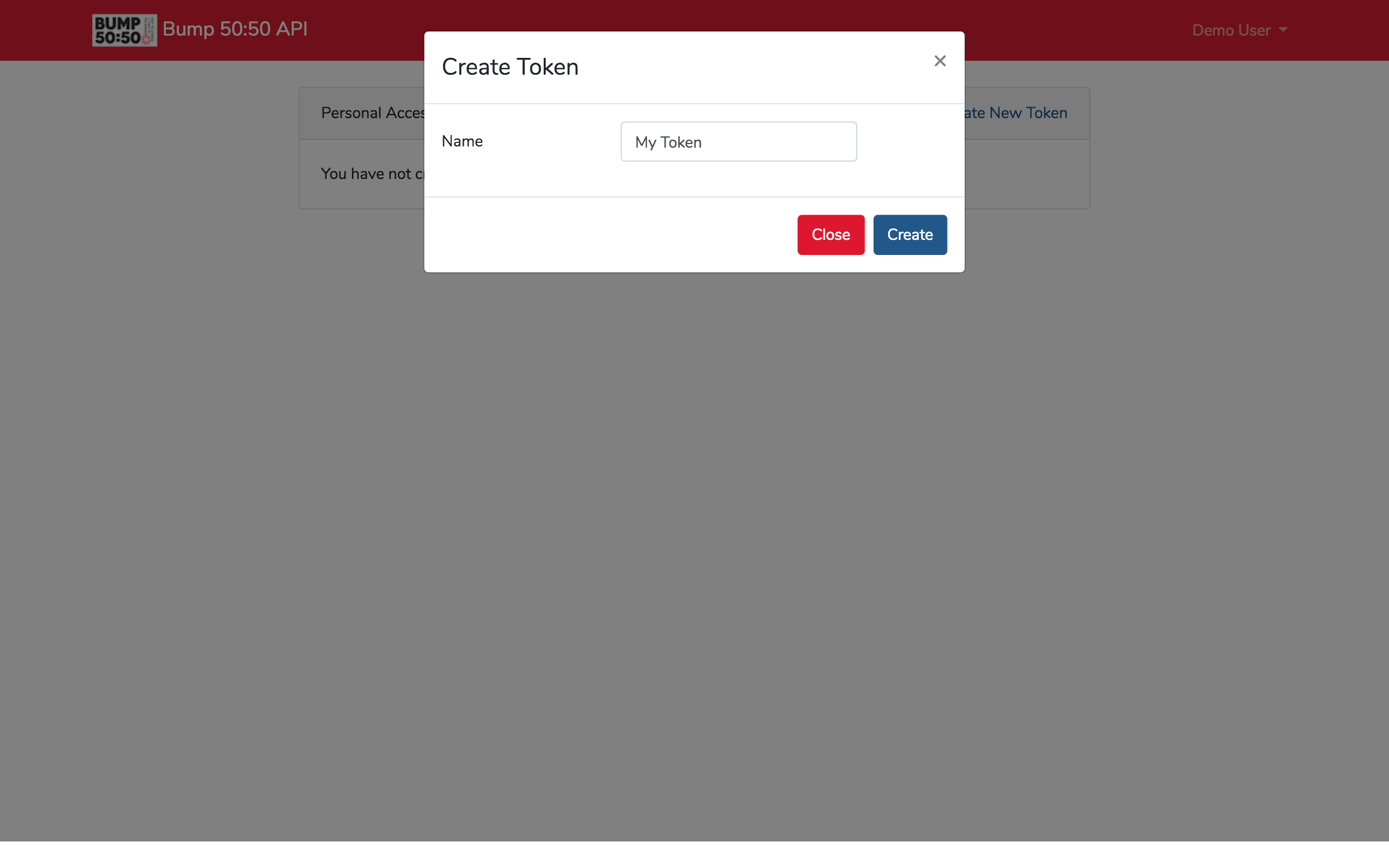
- A modal will appear. Enter a unique name for your new token, and press the Create button.
- Your new token will display. This is the only time the token will be shown, be sure to copy the token text and store it in a new location. The token will be available for 1 year from the date it was generated.
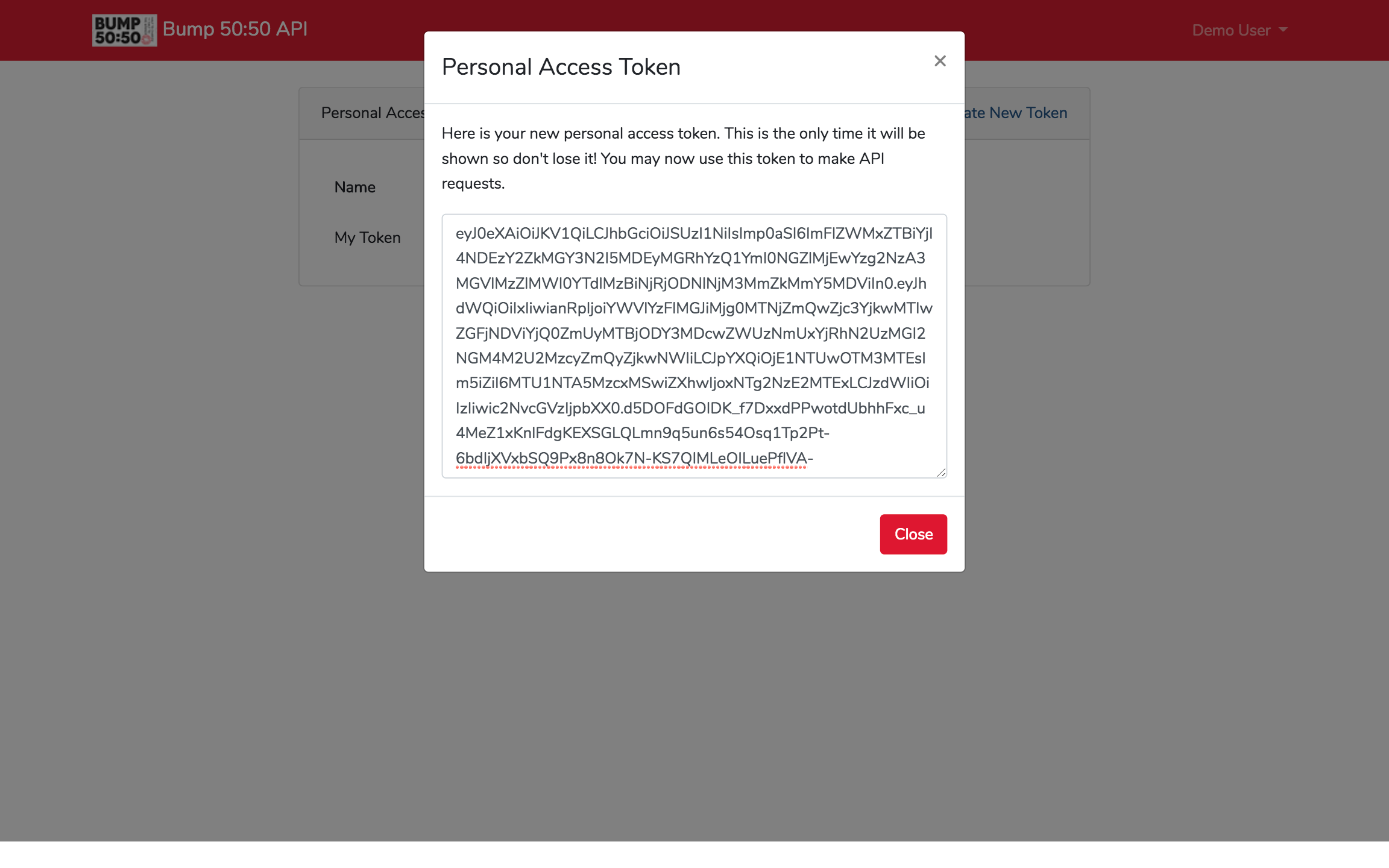
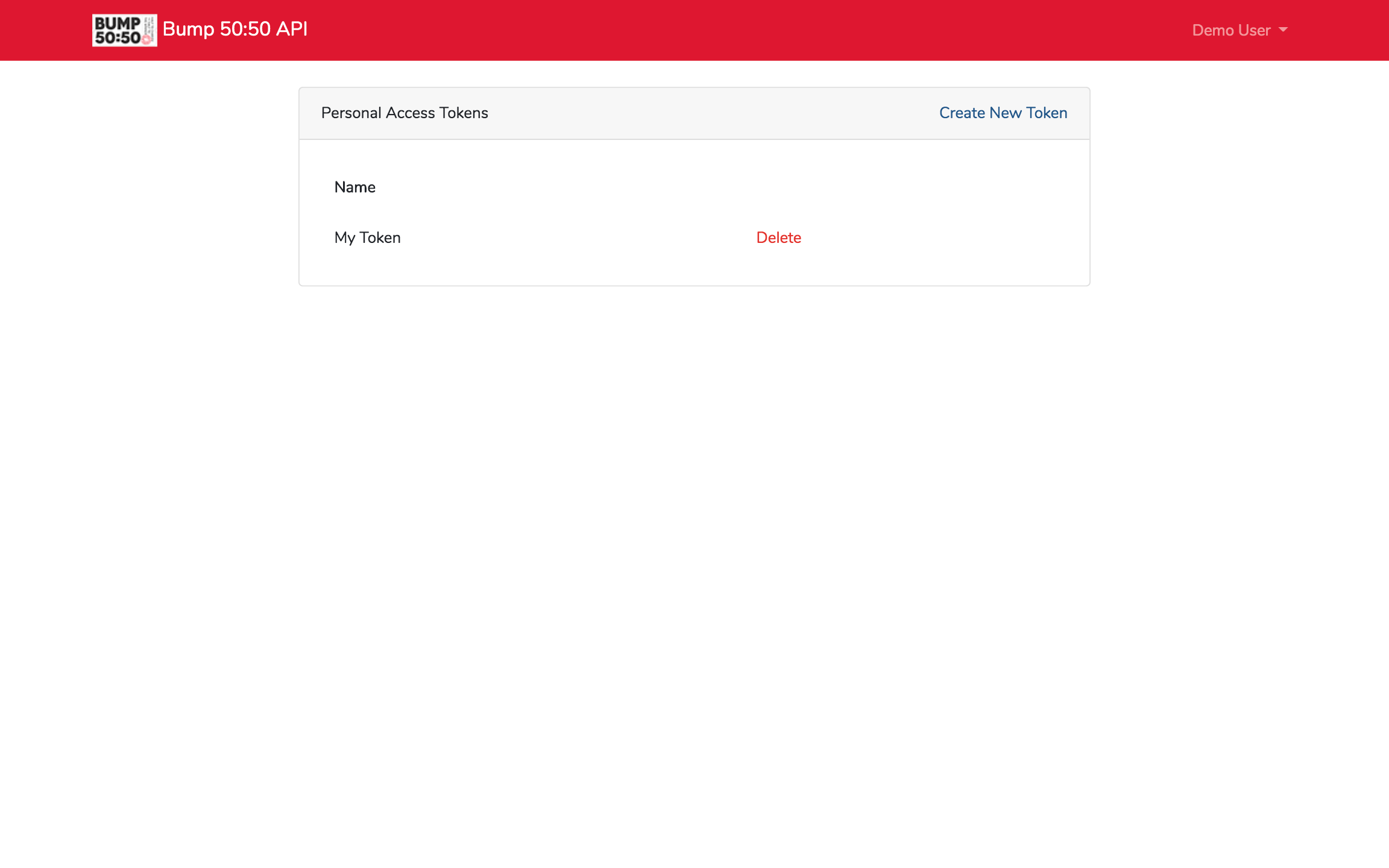
- Press the Close button and you will now see your token name in the Personal Access Tokens card.